

Every phone working
before a single number moves.
PAconnect Voice is a business phone system in one monthly figure: the handsets, the call routing we build with you, the training, moving your numbers across, and the people who look after it afterwards. Nothing to buy up front, and nothing for you to set up.
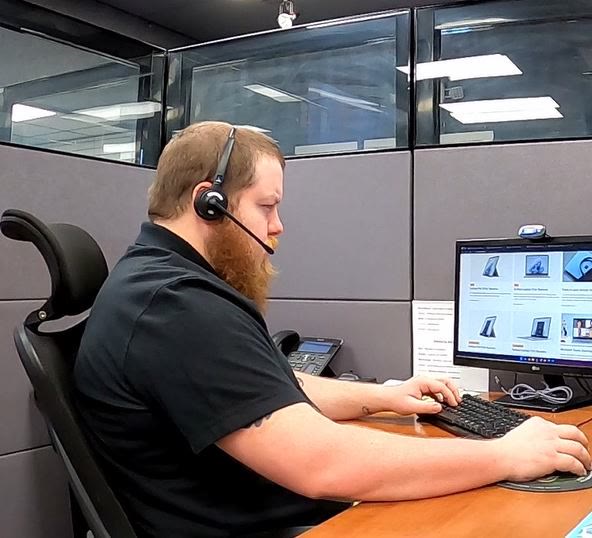
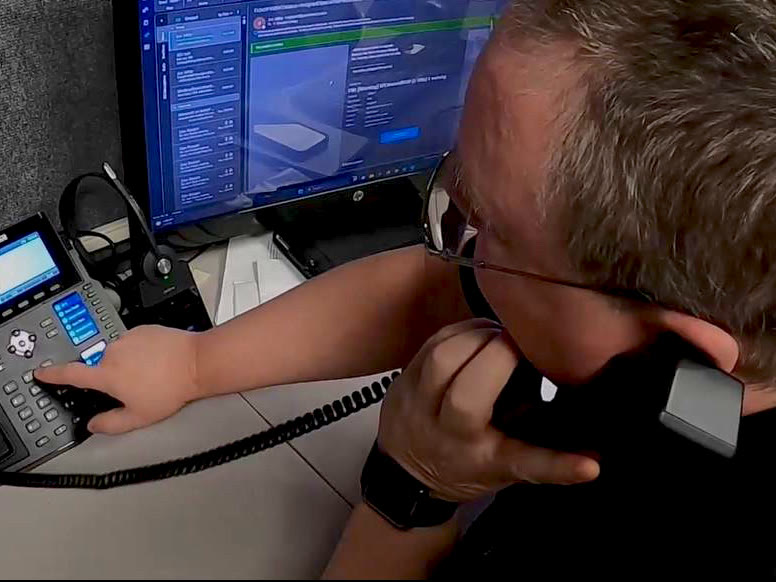
Most technology fails in private. Your phones fail in public.
A slow server costs your staff an afternoon, and nobody outside the building ever knows. The phone system is different. When it fails, or a change goes badly, the people who hear it are your customers: a number that rings out, a menu that leads nowhere, a call that lands on the wrong desk on the busiest morning of the month.
That is why so many businesses keep a phone system long after they've stopped liking it.
The system isn't the obstacle. The switch is.
And the switch is exactly what a per-user price leaves out. It buys the software. Everything that turns software into a working phone system is still to do: buying and programming the handsets, building the routing in a web portal, filling in the port paperwork for your carrier, training the staff, and being the person everyone asks when a phone won't ring. For a very small office, that can be a fair trade. For most businesses, it means the cheapest part of the phone system is the phone system.
Everything in the figure. Including the phones.
One figure a month, on a 36-month term. Nothing to buy up front, and no charge for the calls you make.
In the figure
- The handsets
- Provided as hardware as a service. We own them, so looking after them is our job, not yours.
- Replacement if one fails
- A handset that stops working is replaced at no charge, with a refurbished phone — tested and cleaned, usually recovered when another business closed or moved on. It arrives working, which is the part that matters when a desk has no phone on it.
- The phone system
- 3CX, hosted in the cloud rather than in a cabinet in your building, sized to how many calls your business has going at once.
- Your call flow, built with you
- We sit down with you and build the auto attendant, queues, ring groups and after-hours routing, then set it up the way you want it. You don't get handed a portal and a manual.
- Training
- On install day, we go through how your call flow works and show your staff how to use the new phones.
- Your numbers
- Moving them across from your current carrier, and keeping them.
- Calling
- Unlimited domestic calls, with no usage billing. International destinations are closed by default and opened where you need them — toll fraud is a real risk on any phone system, and an unused country left open is how it starts.
- Support for the system
- When something about the phones isn't right, you call us.
Not in the figure
- Fax machines, paging and gate systems
- They connect differently from phones. We'll tell you whether they're better left on a line with your current carrier.
- Lightning damage
- A handset that fails is covered. One hit by a storm is not.
- Voicemail transcription
- Optional. See the FAQ for where the audio goes.
If it's part of the phone system, it's in the figure.
The port takes days. Your callers won’t see any of them.
Most people who dread changing phone systems have done it once before. We run phone systems for businesses across Westmoreland County and the counties around it, and this is the order every one of them went in.
-
Before install day
Built and tested
We collect your extensions, numbers and how calls should route, then build the whole system in the cloud and test it. Nothing at your office is touched.
-
Install day
Phones in and working
We put the new phones on desks, go through the call flow with you, and show your staff how to use them. From your side, install day is mostly watching us work.
-
Same day
Calls forwarded
With the new phones working, your current numbers are forwarded to them. From here, calls ring on the new system.
-
The next few days
Numbers ported
We submit the port with details from a recent bill from your current carrier. Usually three to five days; the same day if your numbers already sit with the carrier we use. The carrier sets the date, not us. Because calls are already forwarding, the wait doesn't reach your callers.
-
After the port
You cancel what you don't need
We confirm everything has moved and make any adjustments. Then you tell your old carrier what to cancel, and we tell you what to keep.
What happens to the phones when the internet goes down
It's the fair objection to any phone system that runs over the internet, and the one thing the old copper lines genuinely did better: they kept working when nothing else did. So here is exactly what happens, including the part that isn't in our favor.
The system keeps running.
It lives in the cloud, not in your building, so an outage at your office doesn't reach it. Your numbers, your auto attendant and your voicemail are all still there, still answering, still taking messages. There is nothing to restart when the connection comes back.
Your extension goes with you.
Each extension can run as an app on a cell phone or a laptop, the same app your staff use to work from home. Your extension is the same extension there: a call to your number rings it, and someone calling in has no way of knowing which device answered. So when the building's connection is down, the people who need to take calls take them on their cell phones instead, on whatever connection they have. It is the same thing that happens on a snow day, or when the power is out and the office is empty. The veterinary practices we look after use it that way most: the important calls still get answered, from wherever whoever's on call happens to be.
What we won't pretend.
The desk phones need the building's connection, so while it's down, they're dark. What keeps answering is the system, the numbers and your staff on the app. If your business can't work that way — a front desk that has to be a desk — then what you need is a second way into the building, and that is a question about your network rather than your phones.
A backup internet connection keeps the desk phones up too. That's part of how a network is built, not part of a phone system, so it's covered on the network side → Network Design & Management
Four answers you'll get before we quote you
Some of them cost us the job.
Whether your numbers can move.
We check before we take the job. A number that can't come across to us would have to go to a mobile carrier instead, which limits what the system can do, with caller ID the biggest casualty. If we can't bring your numbers across properly, we'd usually rather not install the system at all.
What to keep with your old carrier.
Fire and alarm lines, fax lines and anything else that isn't really a phone often stay where they are. And if your internet comes in a bundle that needs a phone line on it, keeping that one line is usually cheaper than cancelling it — so we'll tell you to keep paying your current carrier for it, and show you the arithmetic on your own bill.
What happens to your numbers if you leave.
They're yours now and they stay yours. If you ever move to another provider, your numbers go with you — and we forward your calls to whatever you've moved to, so your new system works while the port goes through.
Whether you need us at all.
Under about ten people, a business can genuinely run its own phone system. 3CX offers a free version for small offices, with the guides to set it up. If you have the time and the inclination, that's a reasonable choice.
What your team actually uses
-
Auto attendant
Callers choose where they're going without waiting for someone to pick up.
-
Call queues & ring groups
Calls wait their turn or ring a whole team, instead of ringing one desk until they give up.
-
Mobile & desktop apps
Your extension on your cell phone and your laptop, wherever you're working.
-
Transfer to cell phones
Pass a call to someone out of the office without giving the caller a new number.
-
Voicemail to email
Messages arrive in your inbox, playable anywhere.
-
Headsets
Supported, for anyone who spends the day on calls.
-
Voicemail transcription
Optional. Read a message instead of listening to it.
Video meetings and team chat come switched on and we don't restrict them, though almost nobody uses them for that — most businesses already run video somewhere else, usually Teams, and we're not trying to replace it.
What owners ask about business phone systems
What does it cost?
A monthly figure per user, on a 36-month term. What moves it is how many people you have and how many calls your business has going at the same time. Domestic calling, the handsets, the setup and moving your numbers are all in it; the handful of things that aren't are listed above. We'll give you the figure for your business once we know how your calls work.
What happens when the contract ends?
It carries on month to month. Nothing is cut off and nothing needs renewing. Our standard term is 36 months, and in some cases we can do 12.
How long does install day take?
Most of it is spent with you, not on the phones: going through how you want calls answered and routed, and making sure the greetings say what you want them to. If the building needs new cabling for the phones, that adds time, and our own low voltage team runs it.
Can we keep our phone numbers?
Almost always, and it's the first thing we check. Moving a number between carriers, called porting, usually takes three to five days, and your calls are already ringing on the new phones while it happens. A few numbers take longer to route, but they still move.
Can we change the routing ourselves?
We build and change the call flow for you. That's the arrangement, and it's included. In some cases we can give you access to make changes yourself, but fixing a change that causes problems isn't covered by the phone contract, so it's billed.
What if a handset breaks?
We replace it. The phones are ours, so a handset that stops working is our problem, not a purchase for you. The exception is lightning: storm damage is the one thing the figure doesn't cover.
Do you use AI on our calls?
Currently, AI is used for one optional feature: voicemail transcription, which stays off unless you ask for it. With transcription, the audio is sent to OpenAI to be turned into text. If your business has rules about where client audio can go, that's worth knowing before you switch it on. Newer AI features on the market, such as AI receptionists, are something we're actively working on adding to our offerings.
Does it work with our CRM?
With the CRMs 3CX supports, yes. Tell us which one you use and we'll tell you whether it's on the list.
How many people can it handle?
Most of our clients' systems are sized for 8 or 16 calls at once, which covers up to 40 or 80 extensions. Larger systems are possible, and cost more. What matters in practice is how many calls you have going at the same time, not how many desks there are.
Do we have to be a managed IT client?
No. PAconnect Voice is its own service with its own contract, and most of the phone systems we run belong to businesses whose IT we don't touch.
Can we keep the phones we already have?
Usually not, and we'd rather say so before you ask. The system supports a particular range of handsets, and if yours aren't on it, they can't be carried across. We've turned down a seventy-five-phone job for exactly that reason, because the alternative was selling someone a system that wouldn't work with the equipment they wanted to keep. Phones are included in the monthly figure anyway, so in practice this is rarely what stops a job — it just isn't something we'll pretend around.
If we ever leave, do we keep our numbers?
The numbers are yours — they always were, and being on our system doesn't change who they belong to. Whoever takes over submits the port, the same way we did when you arrived, and we forward your calls while it goes through so your new system works from the first day.
What about 911?
Emergency calls work, and the part that matters is the address. When we set your system up, your main number is registered against your building's address in the emergency services database, so a 911 call from your office reaches dispatch with the right location on it. Then we test it, because a registration nobody has checked is not worth much.
You can test the system you have now, today. Dial 933 from one of your desk phones and listen: you should hear your own address read back to you. If you hear the wrong address, or nothing at all, that is worth finding out this afternoon rather than during an emergency.

Start with how your calls should go
A strategic discovery session starts with how calls move through your business today: who answers, where calls go when nobody does, what happens after five, and what callers find frustrating. That is the call flow we'd build, and the conversation is useful whoever ends up building it.
Voice runs on the network and the wiring we also look after. Why that matters →
724-838-7526Thank you — we'll be in touch.
A member of our team will reach out within one business day to schedule your discovery session. If it's urgent, call 724-838-7526 and ask for the help desk.