
You bought the security.
Who's reading it?
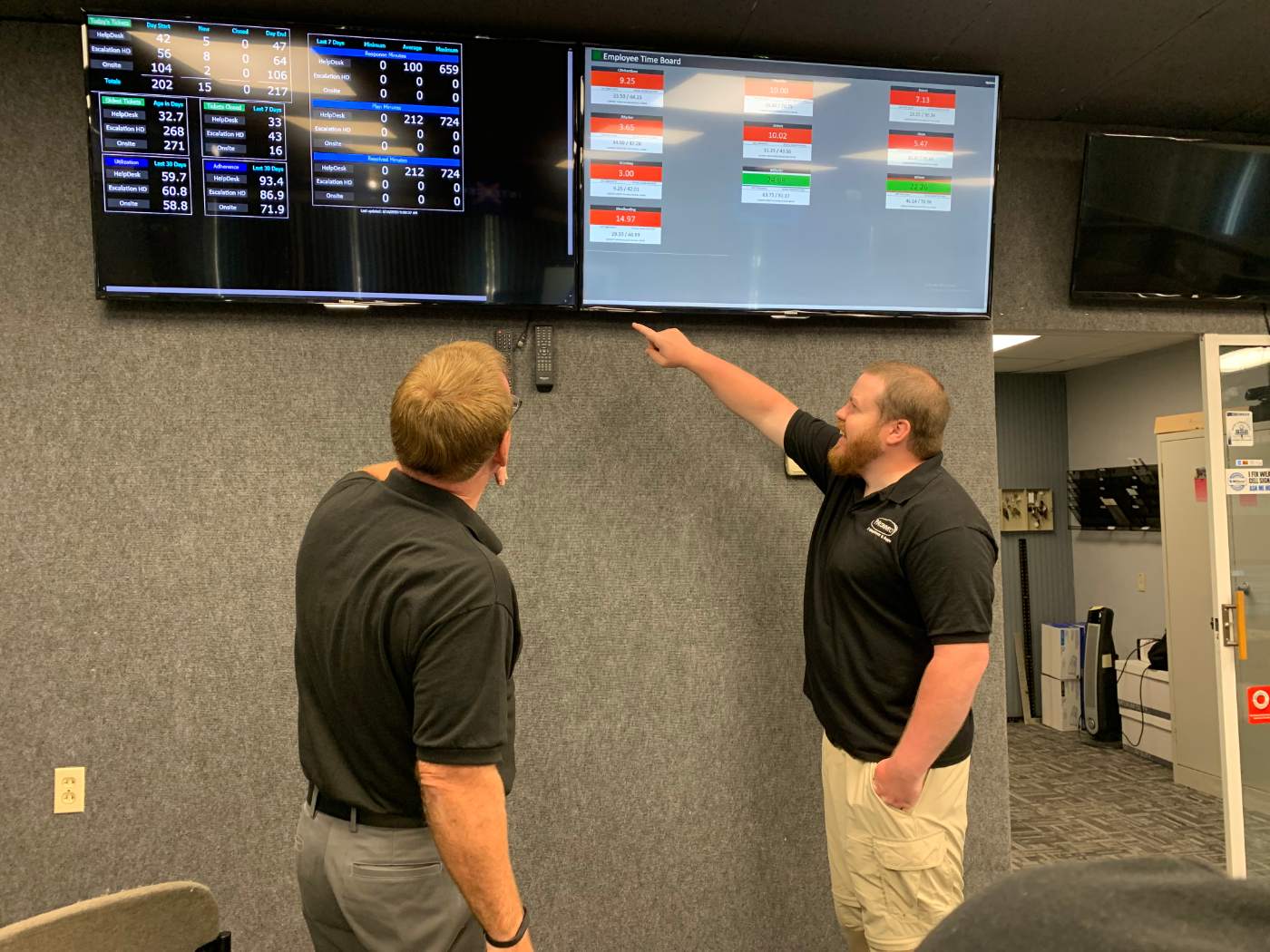
Most businesses we meet already have antivirus, a firewall and some form of multi-factor sign-in. What they don't have is anyone reading what those tools report. We put people on the other end of the alerts, so the protection you paid for actually protects you.
What we find when we look
When we take on a new client and look at their security properly, the problems are rarely clever. They are ordinary, and they are the same ones again and again.
-
Shared passwords
Staff share sign-ins to save time, sometimes including the one that runs everything. Nobody can say who used it last.
-
People who left
Former employees still have accounts that work, because nobody was given the job of switching them off.
-
Exceptions to the rule
Multi-factor sign-in is on for most people, with exceptions for the owner, the old systems and anything that complained.
-
Half the updates
Updates go on the computers but not the firewall, the switches or the wireless — and nobody has a full list of what is on the network, so nobody knows what is being missed.
The icon is still green
Here is the most common thing we see, and it is almost never anyone's fault. A new computer arrives with security software on a trial. The trial runs out. The icon in the corner stays green, but the protection behind it stopped updating months ago. Nobody bought it deliberately, so nobody noticed it lapse.
Then the business grows. A firewall comes from one supplier, email filtering from another, antivirus from a third. Each one has its own screen and its own alerts, and the alerts go to a shared mailbox or a console nobody opens. When somebody does look, they often don't have the time, or the authority, to act on what they see.
So the question for most owners isn't do we have security? You probably do. It is who is reading it, and what do they do when something looks wrong? If the honest answer is “nobody, and nothing,” the tools are a receipt, not protection.
Two in the morning
This is what our cyber security service adds to the baseline every managed client gets, and it is the part that matters most when it matters at all.
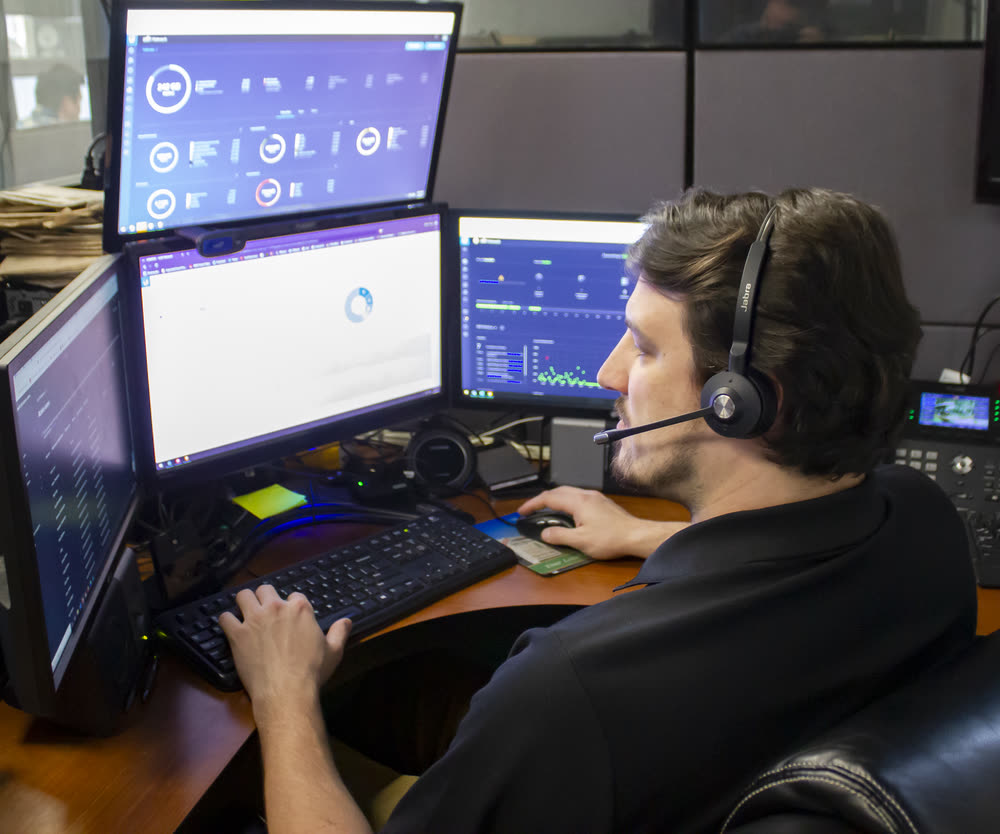
With managed detection and response, your computers and network are watched around the clock by a specialist security operations team we work with. When something suspicious happens, they don't send you a report to read in the morning. They act.
Most of the time, it ends there. The threat is contained before it spreads, nobody needs to be woken, and the only sign you get is an email the next morning telling you what happened and anything you need to do.
That is the difference between a tool and a service: the tool notices, and a person decides what to do about it.
Times are illustrative.
What's standard, and what this adds
Every managed client gets a security baseline from day one, without asking. The cyber security service is what goes on top of it.
-
Standard on every managed client
Antivirus and threat protection. Computers watched for malicious activity, and files checked before they can do damage.
Updates, done for you. Security patches installed so known weaknesses close before someone uses them.
A firewall between your network and the internet, blocking outside attacks and questionable websites.
Network monitoring. Unexpected changes and slowdowns caught before they become outages.
Backups of your servers, on site and in the cloud. How recovery works →
-
What cyber security adds
Managed detection and response. The watching described above, and someone acting on what it finds.
Security awareness training for your staff, so the suspicious email gets reported instead of opened.
Help with security questionnaires from your insurer or a larger customer.
Worth knowing Training is billed separately. Detection and response is quoted with the rest of your plan.
Our name goes on it. So do our standards.
Before we take a business on, it has to agree to follow our basic security recommendations and run our security tools and equipment. If a business won't, we don't take it on, and we have turned clients down for exactly that reason.
The same goes for existing clients. If our standards are ignored, we ask them to find another provider.
What finally forces the question
For most businesses it isn't a news story. It's one of these two.
-
The form on your desk
Your insurer isn't grading you. It's pricing you. A cyber insurance renewal, or a larger customer asking you to prove how you protect their data, arrives with a date on it.
Some of our clients bring that questionnaire straight to us, and we work through it with them. It isn't a pass-or-fail test: every honest “no” moves the price or the cover. Our job is to make sure the answers are true, and then to change the ones that cost you. How the risk assessment helps →
-
The updates that never stop
The fixes are arriving faster than ever. Software makers are finding and fixing security flaws faster than they ever have, some of them now with the help of AI.
Every update that isn't applied is a weakness with a published fix, which tells an attacker exactly where to look. Keeping up is no longer something a busy office does on a spare afternoon. It is a job, and on our managed clients it's ours.
Questions we get asked
Doesn't Managed IT already cover security?
It covers the baseline: antivirus, updates, a firewall, network monitoring and backups. Cyber security adds people watching around the clock and acting when something looks wrong, plus staff training and help with security questionnaires. What Managed IT includes →
We already have antivirus and a firewall. Do we have to replace them?
Usually, yes. Every client runs our security tools and equipment, because we can't stand behind protection we don't manage.
We'll tell you what stays and what goes before anything changes.
Who actually watches at night? Is it your staff?
A specialist security operations team we work with does the around-the-clock watching. When someone needs to get hands on a machine, our own after-hours staff do it, following the analysts' direction.
What will we hear from you?
If something happens, you get an email afterwards describing what happened and anything you need to do.
Can you help with our cyber insurance application?
Yes. Bring us the questionnaire and we'll work through it with you, so the answers are accurate and the weak spots get fixed. About the risk assessment →
Do you train our staff?
Yes, as a separate service. Most of what we see go wrong starts with a person clicking something, so it is often the best money a business spends on security.
We have our own IT person. Does this still work?
Yes. We work alongside in-house IT.
What happens to our information if we leave?
You get your documentation, including passwords and network details.

Start with what you already have
You don't need to know what you're missing to have this conversation. Tell us what you already have — the antivirus, the firewall, whatever came with the computers — and we'll tell you plainly what's being watched, what isn't, and what we'd change first.
Serving businesses across Greensburg and Westmoreland County since 1981.
724-838-7526Thank you — we'll be in touch.
A member of our team will reach out within one business day. If it's urgent, call 724-838-7526 and ask for the help desk.